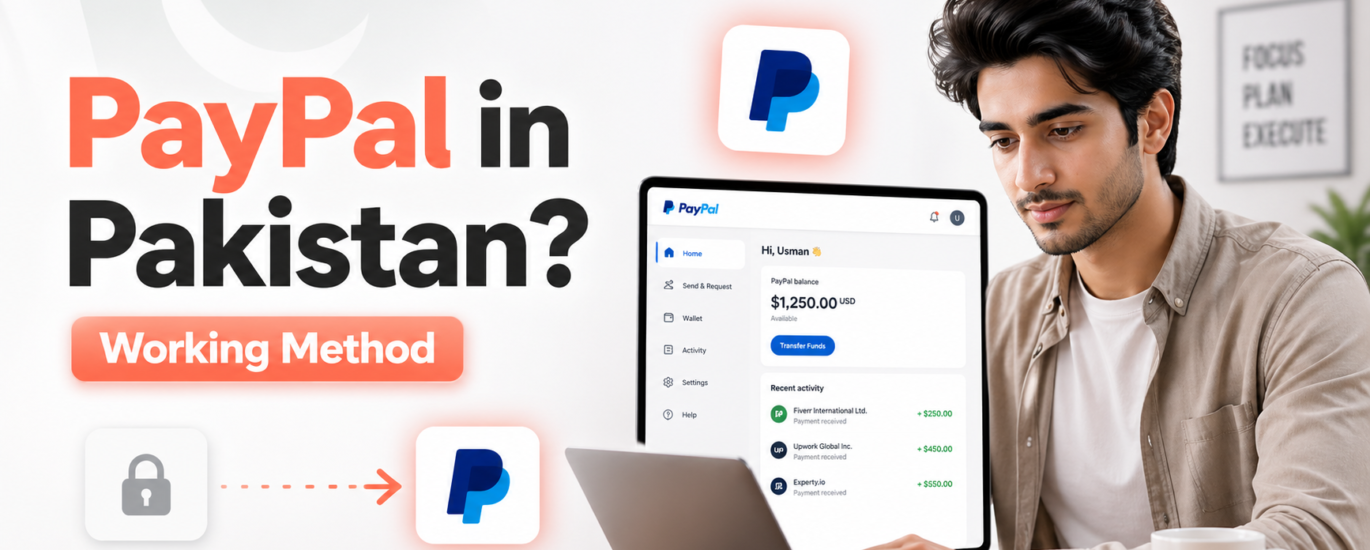
If you’re in Pakistan and trying to earn online, you’ve probably faced one major problem:
👉 “PayPal Pakistan mein available nahi hai — ab kya karein?”
Whether you’re a freelancer, student, or online business owner, not having access to PayPal can feel like a huge barrier.
But here’s the truth:
💡 Thousands of Pakistanis are already using PayPal indirectly and receiving international payments successfully.
In this guide, you’ll learn:
- How PayPal works in Pakistan
- Safe and practical methods to receive payments
- Common mistakes to avoid
- The smartest way to set everything up (without confusion)
❌ Why PayPal Is Not Available in Pakistan?
PayPal is officially not supported in Pakistan due to:
- Regulatory and compliance issues
- Banking system limitations
- Government policies
👉 But that doesn’t mean you’re stuck.
✅ Can You Use PayPal in Pakistan?
Short Answer: YES — but indirectly.
There are workarounds and alternative setups that allow you to:
✔ Receive international payments
✔ Work with global clients
✔ Run online businesses
⚠️ However, it must be done carefully and correctly to avoid issues.
💡 Best Methods to Use PayPal in Pakistan
1. 🌍 Using a Foreign Setup (Advanced Method)
This involves:
- Registering a company in countries like USA/UK
- Opening a foreign bank account
- Creating a PayPal account linked to that setup
👉 This is a long-term and professional solution
✔ Best for freelancers & business owners
✔ Works for scaling income
2. 💳 Using Payment Alternatives (Beginner Friendly)
If you don’t want complexity, use:
- Payoneer
- Wise (if available)
- Direct bank transfers
👉 These are easier and safer options for beginners
3. 🤝 Working with Intermediaries (Common Method)
Some users:
- Use trusted contacts abroad
- Or take help from service providers
⚠️ This method requires trust and proper guidance
🚫 Mistakes to Avoid (VERY IMPORTANT)
Most beginners make these mistakes:
❌ Creating fake PayPal accounts
❌ Using wrong country details
❌ Ignoring verification steps
❌ Not understanding PayPal policies
👉 Result?
⚠️ Account limitations
⚠️ Funds getting stuck
⚠️ Permanent bans
🔒 Is It Safe to Use PayPal This Way?
👉 It depends on how you do it
Safe usage requires:
✔ Proper setup
✔ Correct documentation
✔ Understanding of rules
🎯 Best Solution for Pakistan Users
Instead of wasting time testing random methods…
👉 The smartest approach is:
✔ Get a clear roadmap
✔ Avoid risky setups
✔ Use proven strategies
🚀 How DigiDesk.pk Helps You
At DigiDesk.pk, we provide:
✔ Step-by-step PayPal guidance
✔ Setup support based on your situation
✔ Safe & practical methods
✔ Beginner-friendly approach
👉 No confusion. No trial & error.
💬 Real Scenario
Many users come to us saying:
👉 “Sir, maine PayPal banaya tha but block ho gaya…”
That’s because they tried without proper guidance.
🔥 Why Proper Setup Matters
If done right:
✔ You can receive international payments smoothly
✔ Work with global clients
✔ Scale your online income
If done wrong:
❌ You lose time
❌ You lose money
❌ You get blocked
📊 Who Should Use PayPal Setup?
This is best for:
- Freelancers (Upwork, Fiverr)
- YouTubers & content creators
- E-commerce sellers
- Digital marketers
💡 Pro Tip
👉 Start simple, then scale.
Don’t jump into complex setups without understanding basics.
❓ Frequently Asked Questions
Q: Is PayPal legal in Pakistan?
👉 It’s not officially available, but indirect methods are used.
Q: Can I receive money directly in bank?
👉 Not via PayPal — but alternatives like Payoneer work.
Q: Is PayPal better than Payoneer?
👉 Depends on your use case — both have pros & cons.
🔥 Final Thoughts
Yes, PayPal is not officially in Pakistan.
But:
👉 That doesn’t mean you can’t earn internationally.
With the right method, you can:
✔ Receive payments
✔ Grow your freelance career
✔ Build an online income system
🚀 Want Help Setting Up PayPal?
Instead of risking your account…
👉 Let DigiDesk.pk guide you step-by-step.
✔ Safe setup
✔ Clear process
✔ No confusion
💬 Contact Now
👉 Message us on WhatsApp
👉 Get started today
